The AIUC Navigator is the practical tool behind the AI Usage Classifications™. This page explains how to get the most out of the platform for individuals and organisations.
Getting Access
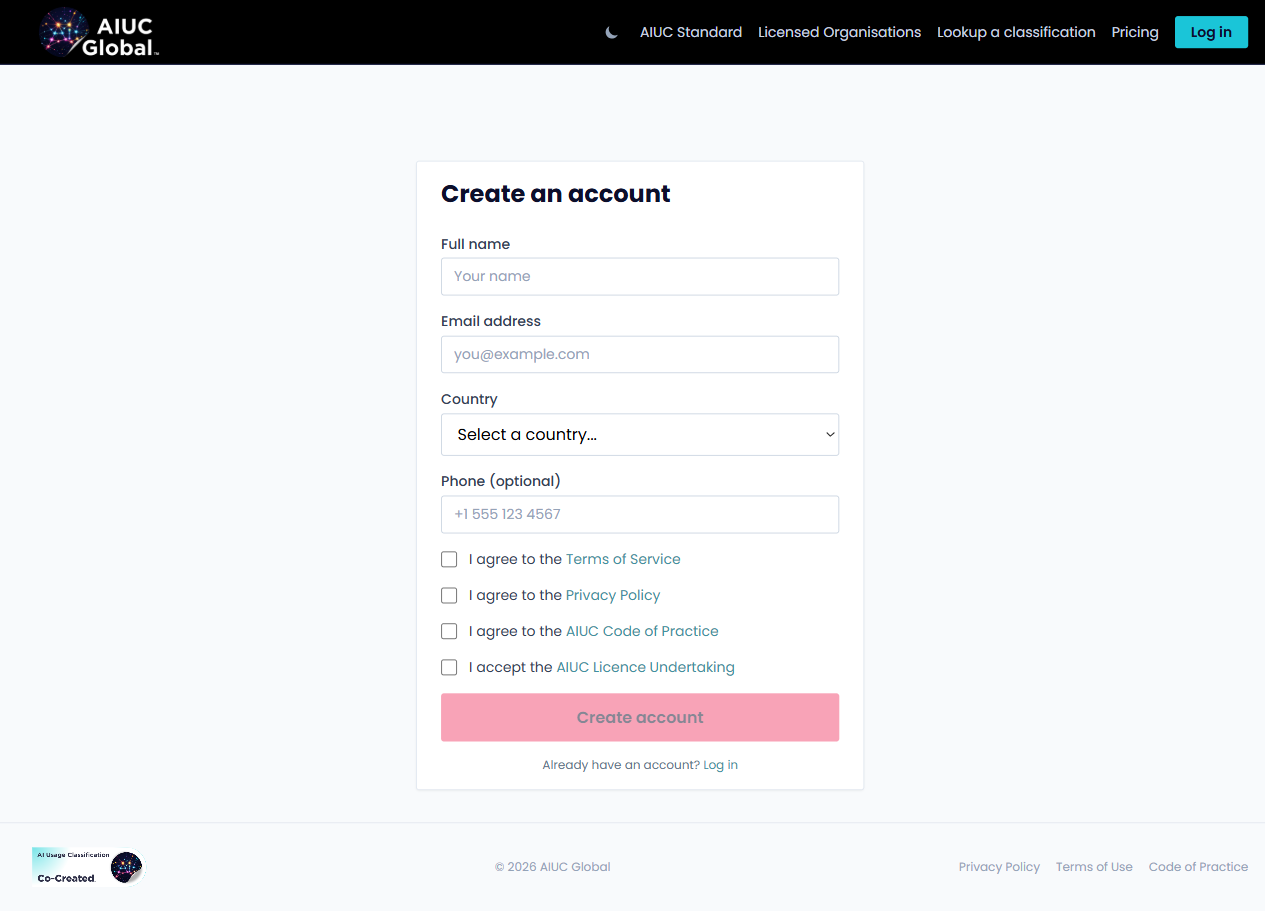
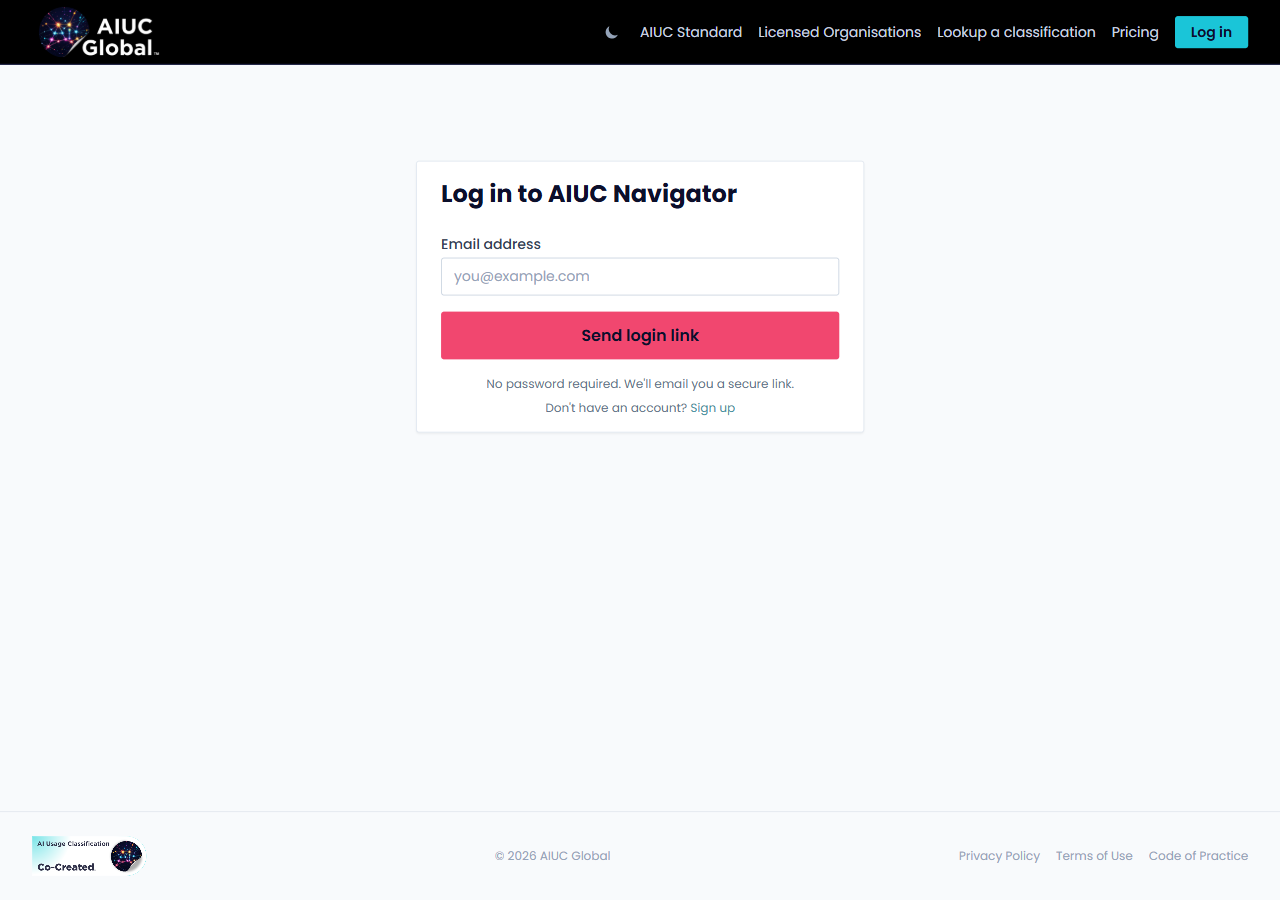
Visit navigator.aiuc.global/pricing to view plans and register. Personal use is free. After registering you will receive a magic link via email, no password required.
Registration
Logging In
Classifying Content
Start a new classification
From your dashboard, select "Classify" and begin the guided assessment. You will be asked a series of questions about how AI was used in creating your artefact.
Answer the questions
The decision tree walks you through the classification process. Each question narrows down the correct classification. You can review previous answers using the back navigation at any point.
Review your result
The Navigator presents the recommended classification with a summary of why it applies. Review against the definitions on the Standard page if needed before confirming.
Save and download
Confirm the classification and download your badge. Professional Licensees can save the record to the Content Register for audit and governance purposes.
Features by Plan
| Feature | Personal (Free) | Professional |
|---|---|---|
| Guided classification assessment | Yes | Yes |
| Badge download | Yes | Yes |
| Public register listing | Yes | Yes |
| Content Register | - | Yes |
| Organisation dashboard | - | Yes |
| Team member seats | - | Yes |